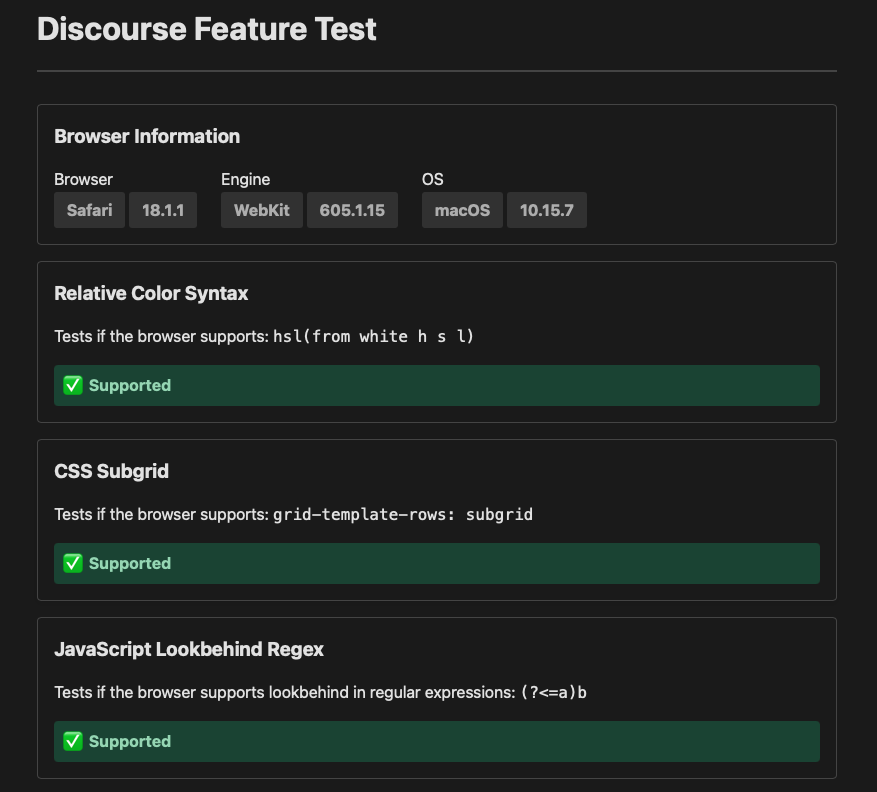
Lets cover some basics first:
- What device are you using? Phone, Tablet, or desktop?
- What page are you looking at?
A screen shot of what you are seeing would be helpful in understanding what you are referencing.
Lets cover some basics first:
A screen shot of what you are seeing would be helpful in understanding what you are referencing.
Thank You Jeff
Only on a mobile it seems here on desktop Sequoia 15.1.1 doesn’t refresh (I hit browser refresh which works) hitting topics, though I believe it does in the office with same operating sys.
The mobile site (maybe its my old iPhone8 or se… if I collapse the Topics on the left it does show original poster.
Thanks again
There are two primary issues with using older tech.
Jeff and all, it does seem to do with the width of my monitor. the less than widescreen (21") Safari needs to be widened beyond screen fit to allow the original posters avatar to show.
But, when I hit topics it still does not refresh on the 21 even widened. The 23.5" does, as do both mobile phone and tablet thingies.
The phone does not show the original poster, but the tablet does.
So, once again, its all my confusion between screens, devices, and my lack of ability to comprehend.
So thanks for the growing pains, hiccups, speed-bumps however.
oh for the days of horse and buggy, or, at least before clocks
Have some fun!!!
I suppose it also has to do with the date of original posting too, confusing between similar topics?
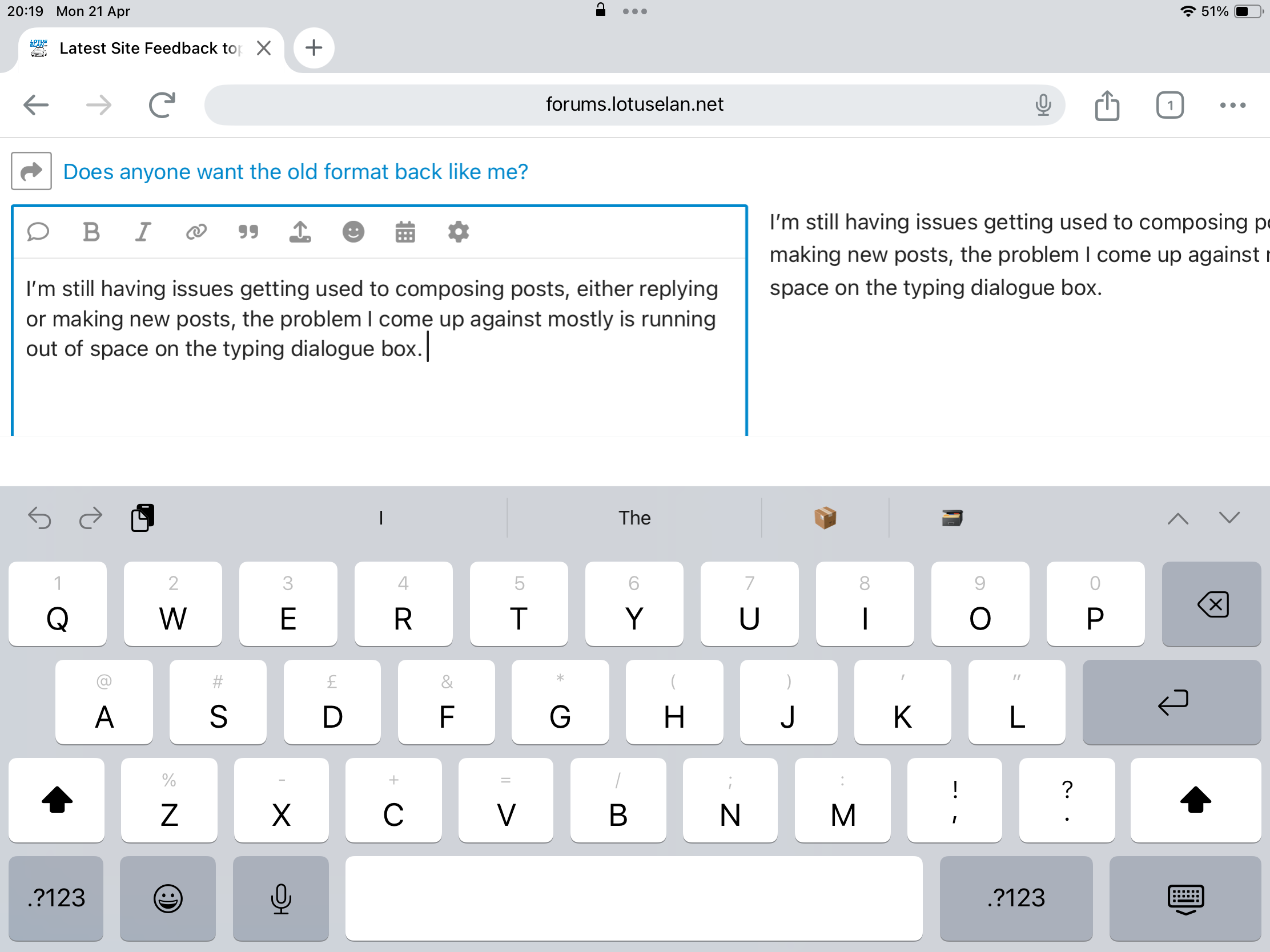
I’m still having issues getting used to composing posts, either replying or making new posts, the problem I come up against mostly is running out of space on the typing dialogue box.
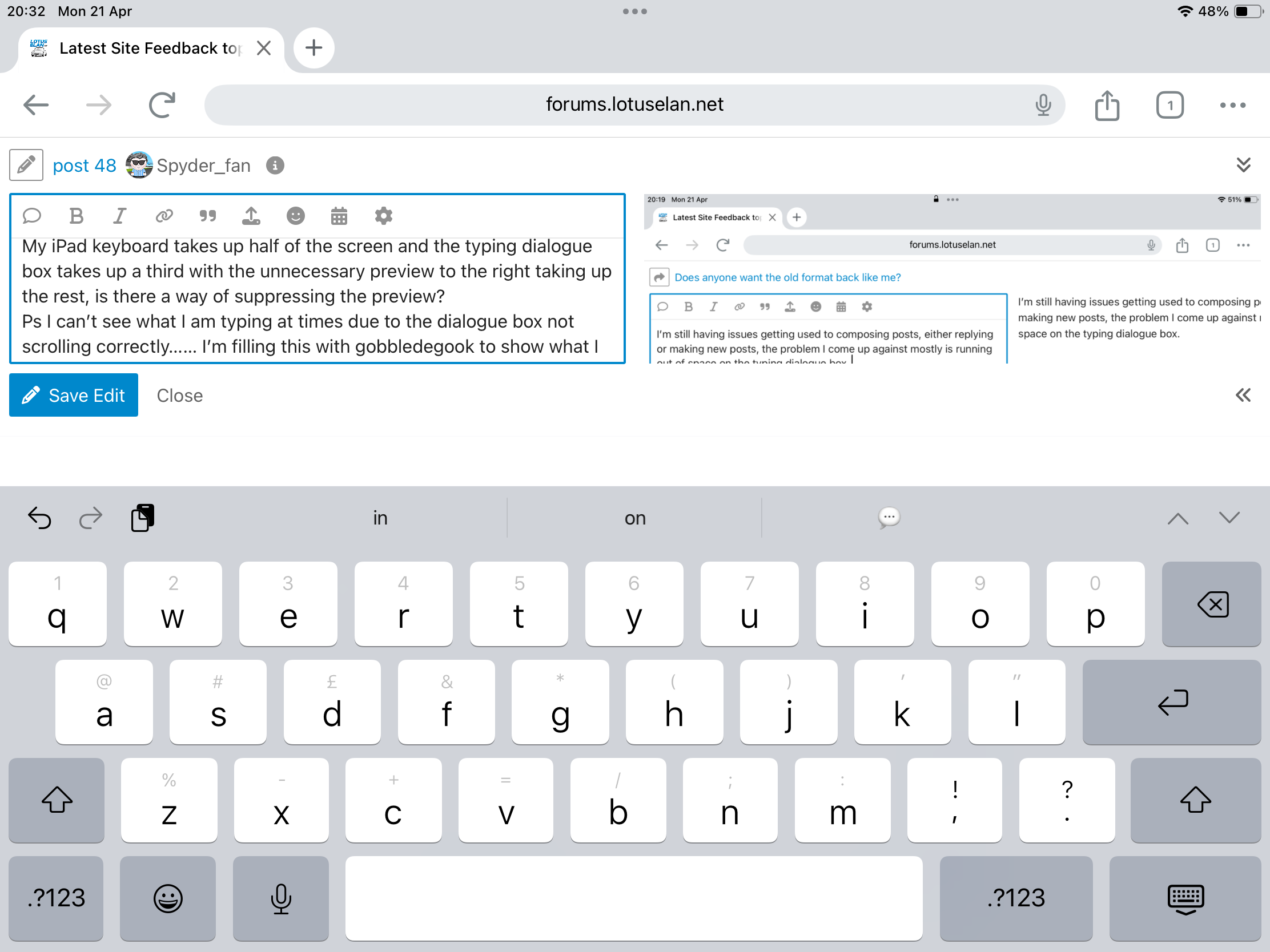
My iPad keyboard takes up half of the screen and the typing dialogue box takes up a third with the unnecessary preview to the right taking up the rest, is there a way of suppressing the preview?
Ps I can’t see what I am typing at times due to the dialogue box not scrolling correctly…… I’m filling this with gobbledegook to show what I mean. Mean to the end an wow what’s happening here, blimey I can’t see what I’m typing
In the bottom right corner of the post box, there is “<<”. Click on the "<<"to remove the preview screen.
You can also turn the iPad vertically. When you do, you can resize the post-entry form to your preference.
Thank you Jeff, that all works nicely. I have closed the preview window and it’s a lot easier to compose a message now.

This topic was automatically closed after 360 days. New replies are no longer allowed.